

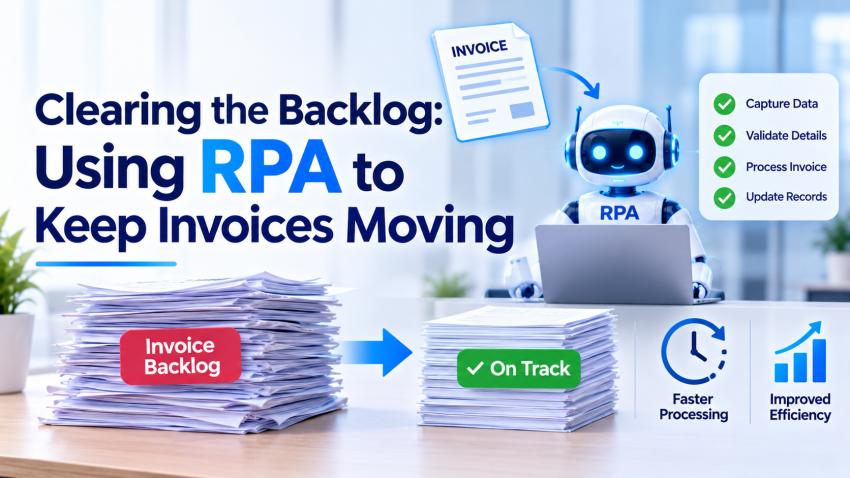
Clearing Your Invoice Backlog with RPA
Having invoice backlogs can cause issues. It can cause significant delays to your accounts payable process, causing increased admin costs. This can cause frustration when you have a busy period, and even small delays can cause a backlog of unpaid invoices.
Robotic Process Automation (RPA) can help solve issues caused by invoice backlogs. Automate repetitive and rule-based tasks so you can keep invoices flowing through your accounts payable process.
What Causes Invoice Backlogs?
Invoicing can be a complex process. If lots of manual processes are involved, then delays can occur very quickly.
Some common reasons you may get invoice backlogs include:
Lots of invoices to deal with at month-end and year-end.
Invoices being manually entered and verified.
No purchase orders, or incorrect invoice details.
Slow approvals from managers and department heads.
No visibility to invoice status or payment due dates.
This can cause issues with your relationship with suppliers, cash flow forecasting, and can impact your financials. It can also cause frustrations for your finance teams as they can be spending time fixing errors.
How RPA Can Help Keep Invoices Moving
RPA uses bots to complete structured tasks within business applications. It doesn't necessarily require major changes to your systems. Often, RPA can be completed using existing interfaces and processes.
Through professional RPA services, businesses can automate several parts of the accounts payable process — from collection and verification to matching and approvals — without overhauling existing infrastructure.
Collecting and Organising Invoices
Using RPA bots, you can set up monitors to watch specific email inboxes, folders or applications. The bot can identify and download new invoices. It will organise the files and add them to the correct processing queue.
This means less manual work for your staff.
Extracting and Verifying Invoice Data
Once the invoice has been received, RPA can help extract data such as supplier names, invoice numbers, dates, tax, and payment terms.
Combined with OCR technology or intelligent document processing — often delivered as part of broader AI development services — RPA can push this information directly into your accounting systems.
RPA will ensure mandatory information has been included and can flag any discrepancies. If there is missing information or inconsistencies, the invoice can be flagged to be dealt with manually.
Matching Purchase Orders and Approvals
RPA can help reduce the repetitive process of verifying invoices.
RPA bots can match the invoice details with purchase orders and goods received. They will follow specific matching rules. If the invoice meets the criteria, it can be automatically processed. If it does not match, the invoice will be sent to the correct member of staff.
When paired with artificial intelligence development services, RPA can send out requests for approvals, track pending approvals, and send reminders to managers when invoices are due to be paid — going beyond simple rule-matching to anticipate bottlenecks before they form.
Dealing with Exceptions
There may be some invoices that cannot be processed automatically. Issues such as duplicate invoices, unexpected charges, missing documentation, and disputed amounts will need to be dealt with manually.
Creating an efficient RPA process will help separate simple invoices from exceptions.
An invoice that has matched its purchase order and passed verification can be processed using the normal approval process. However, if there is an issue with the quantity, the invoice can be put on hold and sent to the purchasing team.
This means that just a few complex invoices won't cause delays to the whole queue. Some teams complement this workflow with AI app development services that add intelligent exception-handling dashboards, giving finance staff clear visibility over flagged items without switching between multiple systems.
It is important to have some manual involvement to deal with any disputes, unusual transactions, and to keep financial controls in place.
Benefits of RPA for Accounts Payable
Automating repetitive tasks can help make your invoice process more efficient. When deployed correctly, RPA delivers measurable improvements across your entire accounts payable workflow.
Benefits of using RPA for accounts payable include:
Speed – Simple invoices can be processed using existing processes.
Fewer data entry errors – RPA will verify data and flag any missing or inconsistent information.
Visibility – You can easily see which invoices are taking too long to approve.
Increased productivity – Your staff can spend time dealing with exceptions, communicating with your suppliers, and analysing your finances.
Scalability – Automating your processes can help your finance team deal with high volumes of invoices during peak times.
How to Implement RPA for Invoicing
Start by looking at your current accounts payable process. Look at what the main time-consuming tasks are so you can identify areas where RPA can really help.
To implement RPA, you could:
Identify where the invoice process is and what the regular delays are.
Identify a process with high volumes of invoices that are rule-based. Start with a pilot.
Set rules for what needs to be verified, approvals, and exceptions.
Ensure that your automation can integrate with your current accounting and document management systems.
Keep track of how your process is performing and make changes to your process based on real data.
Useful metrics include average processing time, exceptions, overdue invoices and cost per invoice.
Conclusion
It requires having the right processes in place to process transactions that are simple quickly. RPA can assist you in doing so.
RPA can be used to automate repetitive tasks like collecting, validating, matching, and approving invoices. Having clear processes in place and making sure there is the right level of manual intervention will help improve your relationship with your suppliers.