

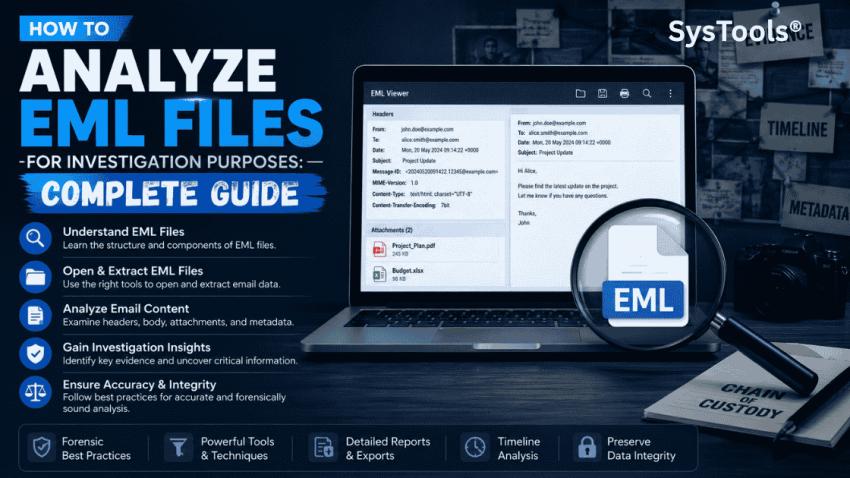
Emails often contain valuable information, whether for business communication, legal investigations, compliance audits, or personal record keeping. When emails are saved individually, they are commonly stored in the EML file format. However, simply opening an EML file may not provide all the details hidden within it. This is where EML file analysis becomes important.
In this guide, we will explain how to analyse EML file data efficiently, the challenges involved, and the best methods to extract meaningful information from email files.
What Is an EML File?
An EML file is a standard email file format used to store individual email messages. It contains all the components of an email, including:
Sender information
Recipient details
Subject line
Date and time stamps
Message content
Attachments
Email headers and metadata
Many email applications create or support EML files, including Microsoft Outlook Express, Windows Mail, Mozilla Thunderbird, and several other email clients. However, users can easily open EML files without Outlook.
Why Analyse EML Files?
Analyzing EML files helps users uncover important information stored within email messages. Organizations and individuals often analyze EML files for various reasons.
Email Forensics
Investigators examine EML files to identify communication patterns, verify sender information, and trace suspicious activities.
Legal and Compliance Requirements
Businesses may need to review email records for legal proceedings, audits, or regulatory compliance purposes.
Data Recovery
Users can analyze EML files recovered from damaged systems or backup archives to retrieve valuable information.
Security Audits
IT administrators often inspect email files to detect phishing attempts, malware attachments, or unauthorized communications.
Email Management
Analyzing EML files helps users organize and review large email collections more effectively.
Key Components of an EML File
Before analyzing an EML file, it is important to understand its structure.
Email Header
The header contains technical information about the email, such as:
Sender IP address
Routing information
Message ID
Authentication details
Delivery path
Message Body
This section contains the actual content of the email, including text and formatting.
Attachments
Files attached to the email are stored within the EML file and can be extracted for review.
Metadata
Metadata provides additional information about the email, including creation dates, transmission details, and email client information.
Manual Methods to Analyse EML Files
There are several ways to manually analyze EML files.
Method 1: Open EML Files Using an Email Client
Most email clients can open EML files directly.
Using Mozilla Thunderbird
Install Thunderbird.
Drag and drop the EML file into the application.
Review the email content and properties.
Using Windows Mail
Double-click the EML file.
Open it using the Mail application.
Examine the message details.
Method 2: Open EML Files in a Text Editor
Since EML files are text-based, they can be opened using editors like:
Notepad
Notepad++
Visual Studio Code
This method allows users to view raw email headers and encoded content.
Steps
Right-click the EML file.
Select Open With.
Choose a text editor.
Review the email structure and metadata.
Challenges of Manual EML File Analysis
Although manual methods work for individual files, they have several limitations.
Time-Consuming Process
Analyzing hundreds or thousands of EML files manually can take considerable time.
Limited Search Capability
Finding specific emails or keywords across multiple EML files becomes difficult.
Technical Complexity
Email headers contain technical information that may be difficult for non-technical users to interpret.
Attachment Handling Issues
Manually extracting and reviewing attachments can be cumbersome.
Risk of Missing Critical Data
Important metadata or hidden information may be overlooked during manual analysis.
Professional Way to Analyse EML Files
For organizations, investigators, and users handling large volumes of email data, dedicated EML file analyzer tools provide a more efficient solution.
Professional tools such as SysTools EML File viewer can automate the analysis process and present email information in a structured format.
Benefits of Using an EML Analyzer Tool
Bulk EML file processing
Advanced search and filtering
Quick email preview
Detailed header analysis
Attachment extraction
Metadata examination
Faster investigation and reporting
These features significantly improve accuracy and save time compared to manual methods.
Step-by-Step Process to Analyse EML Files Professionally
Step 1: Add EML Files
Import individual EML files or entire folders containing email data.
Step 2: Scan Email Data
Allow the software to load and process the email files.
Step 3: Review Email Information
Examine sender details, recipients, subject lines, timestamps, and message content.
Step 4: Analyze Headers and Metadata
Inspect routing information, message IDs, and transmission paths.
Step 5: Search and Filter Emails
Locate specific emails using keywords, dates, sender addresses, or subjects.
Step 6: Export Analysis Results
Save reports or export analyzed data for future reference.
Best Practices for Accurate EML File Analysis
To ensure reliable results, follow these best practices:
1. Preserve Original Files
Always maintain a copy of the original EML files before analysis.
2. Verify Email Headers
Review header information carefully to validate sender authenticity and email routing.
3. Examine Attachments Safely
Scan attachments for malware before opening them.
4. Use Trusted Tools
Choose reputable EML analysis software that preserves data integrity.
5.Maintain Documentation
Record findings and analysis steps, especially for legal or forensic investigations.
Frequently Asked Questions
Q.1 Can I Analyse EML Files Without Outlook?
Yes. EML files can be opened using Thunderbird, Windows Mail, text editors, or specialized EML viewer applications.
Q.2 How Do I View EML File Metadata?
Metadata can be viewed through email properties, message headers, or dedicated EML analyzer tools.
Q.3 Can I Analyse Multiple EML Files at Once?
Yes. Professional EML analysis tools support batch processing of multiple EML files.
Q.4 Are EML Files Safe to Open?
Generally, yes. However, attachments should always be scanned for malware before opening.
Conclusion
Analyzing EML files is essential for email investigations, compliance reviews, security assessments, and effective email management. While manual methods can help with basic examination, they become inefficient when dealing with large numbers of emails or complex investigations.
Using a professional SysTools EML analyzer simplifies the process by providing advanced search capabilities, metadata analysis, attachment handling, and bulk processing features. By choosing the right approach, users can analyse EML file data quickly, accurately, and with greater confidence.



