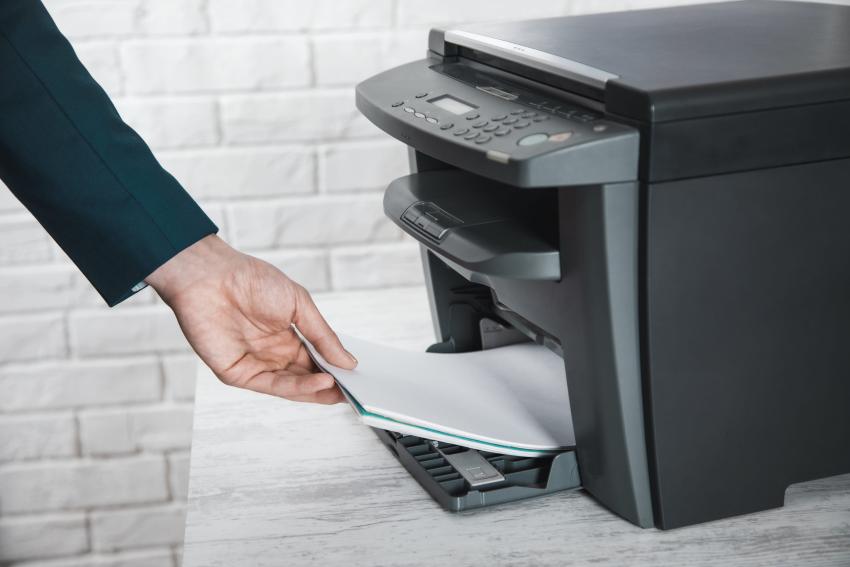
Choosing an office printer sounds simple until you start comparing models. Factors such as print speed, paper capacity, toner costs, scanning features, connectivity, and security can affect your daily office routine. A printer that looks impressive on a spec sheet may not be the right printer for every business.
The best approach is to start by outlining how the equipment will be used, so let's look at the details.
Start With Your Office's Printing Needs
A good starting point is how many pages your business prints each month. A small office creating a few hundred pages has different needs than a company that processes thousands of invoices, forms, reports, or customer documents.
Manufacturers typically provide a maximum duty cycle and a recommended monthly print volume. You cannot treat these figures as the same thing. Typically, the duty cycle expresses the maximum load a machine is built for, while the recommended volume is a more practical indication of daily use.
When looking for the best office printer in Fairbanks, AK, businesses should not choose machinery based solely on the highest print speed; instead, they should consider the average workload.
Look at the Features Employees Will Actually Use
Office printers today do much more than print. Multifunction models combine printing, copying, scanning, and other document functions in one device. Automatic document feeders, duplex printing, wireless connectivity, and multiple paper trays can make a big difference if you’re in a busy office.
For example, duplex printing lets you print on both sides of a sheet of paper. This reduces paper use and is especially useful for longer reports and internal documents.
We are not looking for a machine that has every feature on the market. It is about selecting features that match how people work.
Consider Security and Document Handling
Businesses often overlook printers when considering data security. Shared office devices may process payroll records, contracts, financial information, and customer documents.
You can restrict sensitive documents to specific users by using security features such as user authentication and secure print release. Many business printer ranges today also include security tools to help protect devices and information.
Paper handling is also important. Consider adding extra trays and versatile media support if your office frequently uses different paper sizes or heavier stock. Sufficient paper capacity can also reduce how often the printer stops for empty trays.
Calculate Total Cost of Ownership (TCO)
But the price tag isn’t the whole story. Printer costs include toner, replacement parts, service, maintenance, electricity, etc., over several years of use.
If it’s cheaper to run the machine and more durable for the workload, then it might make sense to buy a more expensive machine upfront. Comparing these costs before buying can give a more realistic picture of the investment.
The same applies to businesses looking for the best office copier in Fairbanks, AK. It may be worth thinking about copying, scanning, printing, maintenance, and support as a whole, rather than just the hardware price.
Select Equipment That Can Keep Pace
The right office printer should meet today's business needs without becoming a constraint as the company grows. If you carefully compare workload, useful features, security, paper handling, and continuing expenses, you can make the selection process much easier.
By selecting equipment based on the office’s actual needs, Fairbanks businesses can get more reliable day-to-day printing and fewer surprises after installation.