Phase 1: Narrow Your Focus
The biggest mistake is trying to cover everything. You must choose three specific pillars and ignore everything else. If you are presenting on a region, pick three distinct angles like Architecture, Economy, and Daily Life.
- The Skill: Depth beats breadth. By limiting your scope, you allow the audience to actually digest the information instead of just seeing a blur of facts.
- The Execution: Open a document and name your three pillars before you even open your slide software.
Phase 2: The Hook Opening
Skip the generic introductions. Start with a single, high-impact image or one startling statistic on a clean slide.
- The Skill: Pattern breaking. You need to snap the audience out of their passive state immediately.
- The Execution: Use a "full-bleed" image that covers the entire slide with zero text. Speak the context clearly while they look at the visual.
Phase 3: Visual Minimalism
Slides are a visual aid, not a teleprompter. If your audience is reading, they are not listening to you.
- The Skill: Cognitive load management. Reduce the amount of processing the brain has to do.
- The Execution: Stick to the 5/5/5 rule. No more than five words per line, five lines of text per slide, or five text-heavy slides in a row. Use high-resolution photos to do the heavy lifting.
Phase 4: Structured Tension
Dry facts do not stay in the memory. You need to show contrast to make a point.
- The Skill: Comparative teaching. Showing "what was" versus "what is" creates a natural story arc.
- The Execution: Use "Before and After" or "Old versus New" slides. Show a traditional market next to a modern tech hub to illustrate growth without needing a single bullet point.
Phase 5: Planned Interaction
A lecture is a one-way street. A presentation should be a guided experience.
- The Skill: Audience retention. People remember things better when they have to participate in the discovery of the information.
- The Execution: Every three to four slides, ask a targeted question. Do not ask for general questions. Ask for a specific guess on a number or a preference between two options.
Phase 6: The Design Shortcut
Efficiency is a professional requirement. Do not spend hours custom-designing icons or complex charts if you are not a graphic designer.
- The Skill: Asset leverage. Using high-quality templates allows you to focus 90 percent of your energy on the script and delivery.
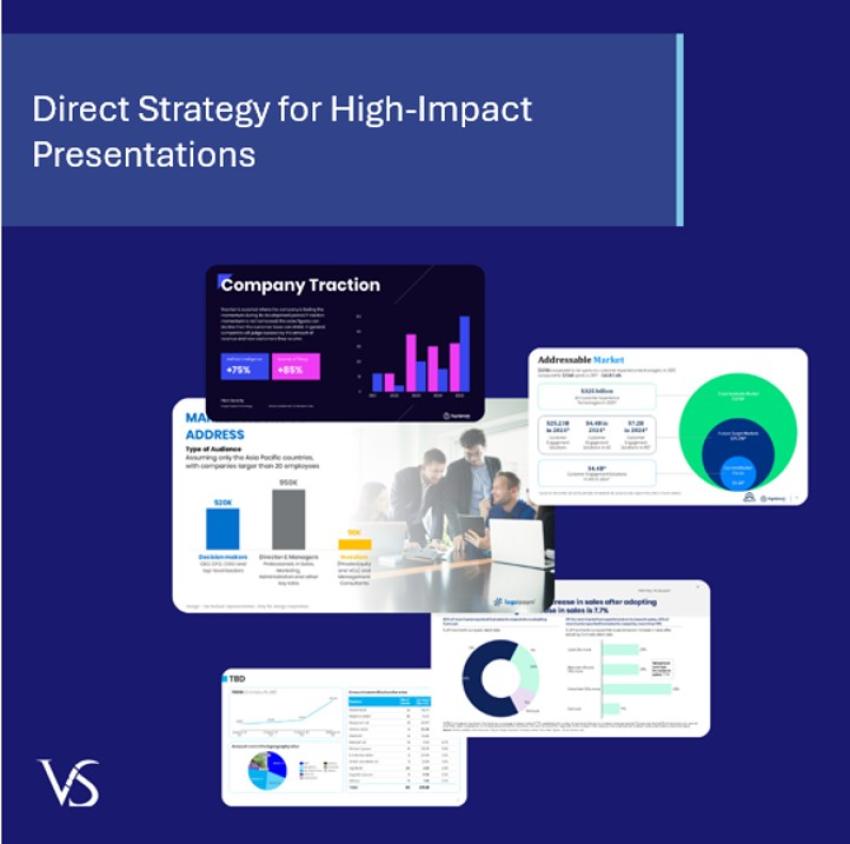
- The Execution: Select a professional template, strip out the generic "team" and "about us" slides, and apply a consistent three-color palette throughout.
Final Delivery and Impact
A presentation is only as good as the clarity you leave behind. If the audience walks away feeling overwhelmed, you have failed. If they walk away with three clear ideas and a sense of curiosity, you have succeeded.
- The Skill: Retention over repetition. You do not need to repeat yourself if the structure of your presentation is logical and the visuals are striking.
- The Execution: End on a slide that contains your contact information and one single summary sentence. Leave this slide up during the entire question and answer period.