

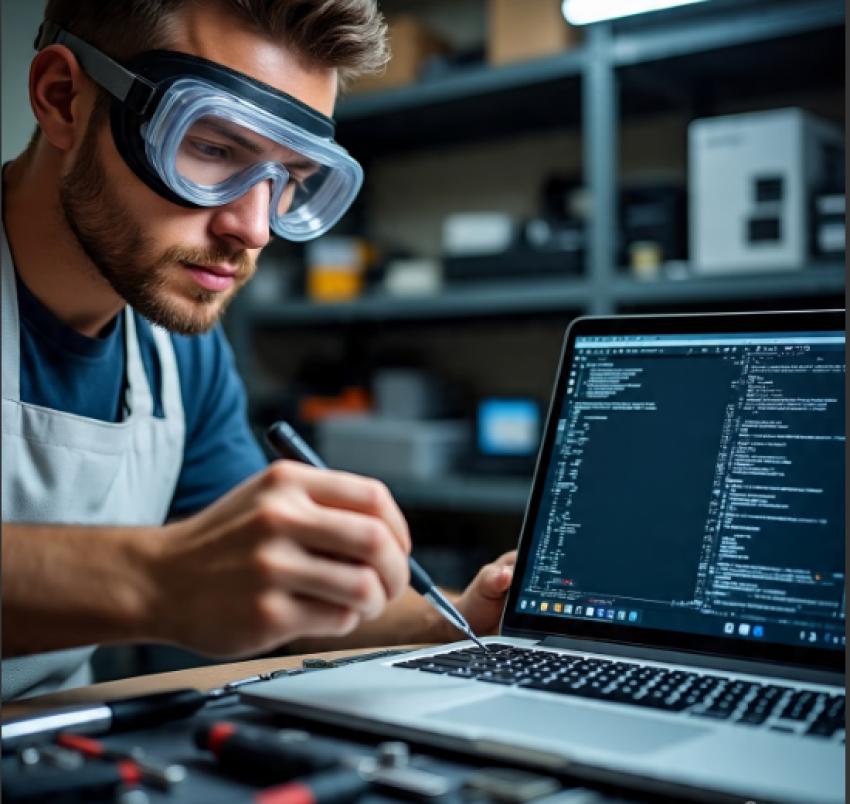
Laptops are right there with us, be it work, study, or entertainment. These devices are that strong, but there’s one thing that annoys users everywhere: overheating. If your laptop seems to get too hot during regular tasks, is slow when multitasking, or suddenly powers off, well, that's nothing new. Overheating ranks among the top-most common repair requests at service centers across the globe, so knowing this early could save you from getting aesthetically damaged.
In some cases, it can be good to know why your notebook is overheating and the expert solutions that technicians use, and what you, as a user, must do to keep it healthy. Whether you’ve been in search of general maintenance or you’re in need of that emergency fix, this information is what’s going to give you an appropriate understanding and make the right repair decisions.
Why Do Notebooks Overheat?
Notebooks are built compactly, unlike desktops. Less space means less provision for airflow. It makes them more likely to catch heat. Overheating is mostly caused by:
High workload with no cool aid support: Play games, edit videos, or just run many apps at the same time-these increase the output of heat.
Battery degradation: Old or swollen batteries will release more heat when charging.
Motherboard problems: Power regulation faults or chip damage will result in localized heating.
What begins as minor warmth can, if left unchecked, become performance throttling, sudden shutdowns, or even permanent hardware failure.
Expert-Level Solutions for Notebook Overheating
Is your laptop feeling more like a frying pan? You're not alone. Overheating is a common headache, but the pros have a clear, step-by-step playbook to fix it for good.
Here’s how the experts tackle the heat, from the simple fixes to the more involved solutions.
Deep Cleaning & Dust Removal
Often, the problem is as simple as a bunch of dust clogging everything up. A technician will carefully open up the laptop and use compressed air to blast out the vents, fans, and heatsinks. It’s amazing how much cooler a laptop runs when it can actually breathe again.
Renew the thermal paste.
This is a classic pro move. That little layer of thermal paste between the processor and the heatsink dries out over the years, like old glue. By cleaning it off and applying a fresh, high-performance paste, they can make a huge difference, sometimes dropping temperatures by 10 to 20 degrees Celsius. It’s one of the most effective fixes out there.
Battery Diagnostics & Replacement
A puffy or failing battery doesn’t just hold less charge; it’s also a major heat and safety hazard. If they spot a battery that’s swollen or defective, they’ll replace it right away to solve the heat issue and keep you safe.
Motherboard-Level Repair
It's a red flag that the problem is internal. An expert doesn't just treat the symptom; they act like a detective, probing the motherboard, the very heart of the machine, to find the hidden fault. They're looking for tiny, hidden problems like a minor electrical short or a tiny damaged part that are causing your laptop to run a dangerous fever. It takes a keen eye and a steady hand to find and fix these little culprits, getting to the true root of the heat.
In these cases, experts use their knowledge to diagnose the precise fault—often at a microscopic level and perform delicate board-level repairs to truly fix the problem at its source.
Software Optimization
always remember that software plays a part, too. You don't always need a physical tool to fix a heating problem. Don't overlook the digital side. Out-of-date drivers, glitchy software, or an overload of startup programs can all force your processor to work much harder than it needs to, turning your laptop into a portable heater. A technician might do a digital spring cleaning, removing bloatware, updating key drivers, or even doing a fresh install of the operating system to smooth things out and help your laptop run cooler without ever opening the case.
In the end, whether it's a simple tune-up or a complex repair, the mission is always the same: to give you back a laptop that's cool, quiet, and completely reliable.
Signs It’s Time to Seek Professional Help
If your notebook is doing any of these things, shutting down on its own, fans are loud but it's still overheating, the bottom feels dangerously hot, it gets warm while charging, or it's suddenly slow and freezing, it's crying out for help. Getting it checked early can stop a small problem from turning into a major repair for critical components.
Why DIY Fixes Aren’t Enough
We get it—when your laptop feels like it's about to take flight from all the overheating, the first thing anyone does is reach for a quick fix. Propping it up on a couple of books or balancing it on a cooling pad feels like a smart, immediate solution. And honestly, it might buy you a little time. But these are really just band-aids; they calm the symptom without ever treating the actual illness.
A Real-Life DIY Story
Mark noticed his laptop was getting hotter than usual. Like many of us, he tried to handle it himself. He set it on a stand to improve airflow, used a cooling pad, and even reinstalled the operating system. For a little while, it seemed to work. But soon, the fan was constantly roaring, and his battery life plummeted.
A thorough cleaning, new thermal paste, and a battery replacement had his laptop running cool, quiet, and safely again. By seeking professional help when he did, Mark avoided more severe damage and a much larger repair bill down the road. (source: posted on reddit)
The Cost of Ignoring Overheating
Ignoring an overheating laptop does more than make it unpleasant to use; it slowly destroys your device from the inside out. Constant high heat wears down components, rapidly drains your battery's health, and can lead to catastrophic failure of the motherboard. Addressing the problem early is always a simple, affordable fix compared to the cost of a major repair later.
Choosing the Right Service Provider
Let's be real, figuring out where to take your laptop when it's on the fritz can be overwhelming. You're not just looking for a repair; you're looking for peace of mind. Try to find a shop that treats you and your device with respect. That means technicians who actually know their stuff and take the time to explain what’s going on in plain language without confusing tech jargon. At the end of the day, it’s all about finding someone you can count on, folks who will treat your laptop like it’s their own..
Local Searches Matter: Finding Reliable Repairs
When your device is overheating and time is critical, you’re likely to type notebook repair near me into your search bar. That’s when finding a trusted center with proven expertise makes all the difference. The best providers don’t just fix one issue; they diagnose, repair, and prevent future breakdowns.


